
Pinned places
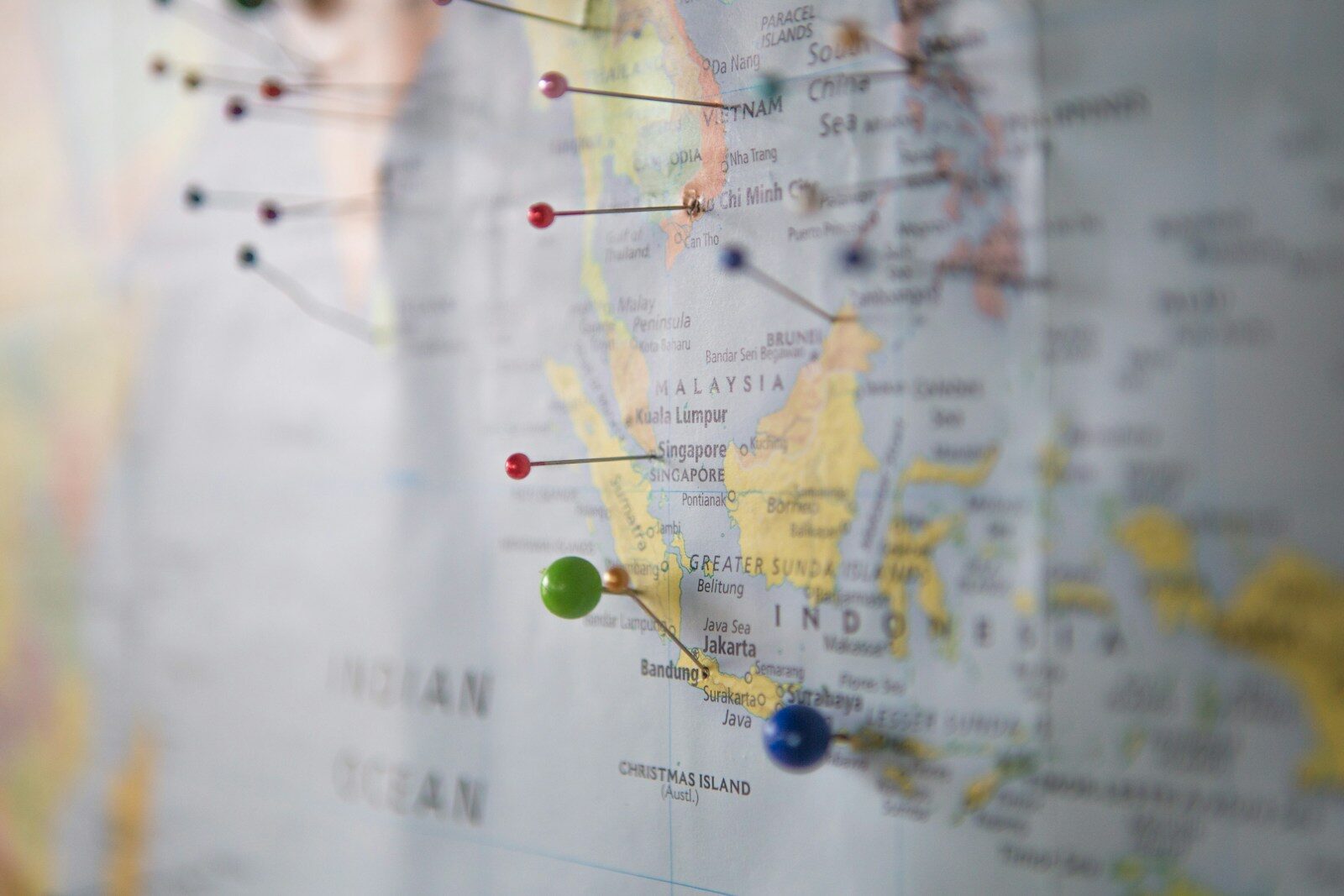
Most travel apps ask you to plan. littledots also likes to look back. Every trip you pin drops a dot on your world map. Over time the map fills in, one country at a time, and starts to read like a diary you didn’t realize you were keeping.
What counts as a place
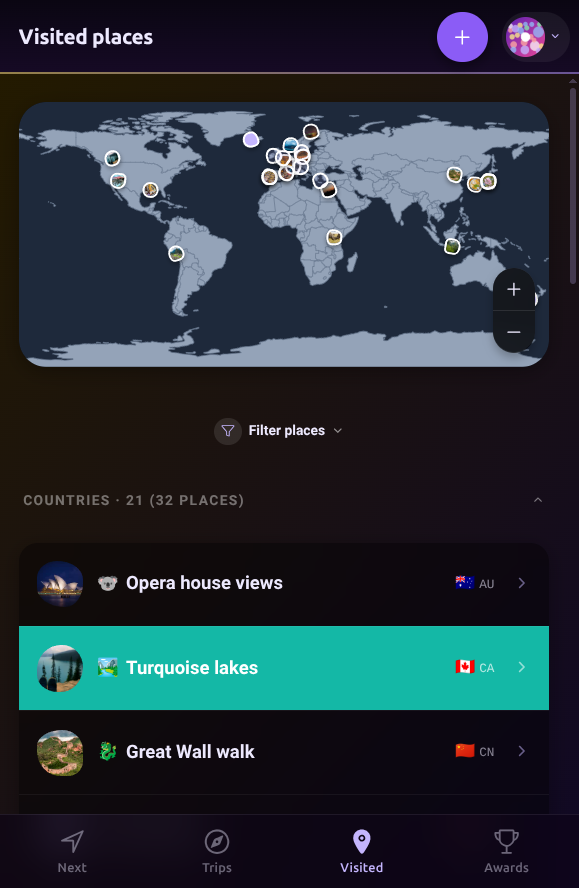
Any trip you tracked, but also any spot on the map you care to remember. The map doesn’t distinguish between an eight-day Kyoto trip and a lunchtime stop in a town you passed through. They’re both dots. The dot is the point.
Your trips
Your planned trip you came back from. A weekend drive. A three-hour airport layover you want credit for. A friend’s wedding two towns over. Pin any past or future trip and it shows up on the map.
Other places
If you wanna track other countries you’ve been to you can always just drop a pin, give it a name, it’s on the map. No need to spin them up as full trips.
Countries fill in, not just pins
Each dot pulls in its country. Pin Lisbon and Portugal lights up on the map. Pin Belém a week later and the country stays lit; the pin joins the cluster. The Awards tab keeps score: countries, continents, and a slow-growing percentage of days you’ve spent on the road.
The satisfying part isn’t the number. It’s opening the map in a year and seeing regions you forgot you’d been to.
Your dots join everyone’s
Your map is yours alone, and it stays that way by default. Joining the shared map is opt-in, and switched off until you say otherwise: until you choose to take part, nothing you pin shows up there. Turn it on and everywhere the whole community went lights up together on one map, over at the live map. Country fill, no names, no ranking, no competition. Just an honest picture of where we all ended up this year. Leave it off and your dots stay entirely your own. Either way the choice is yours, and you can change your mind whenever you like.
Start with one
Pick somewhere you’ve already been. Pin it. That’s your first dot. Everything else is just doing that again.


